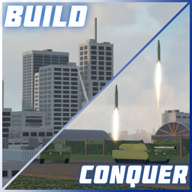
Build and Conquer Gameplay Videos and Clips
Want to see Build and Conquer before you play? Watch gameplay clips of the Roblox strategy game on Medal.tv and other community videos.
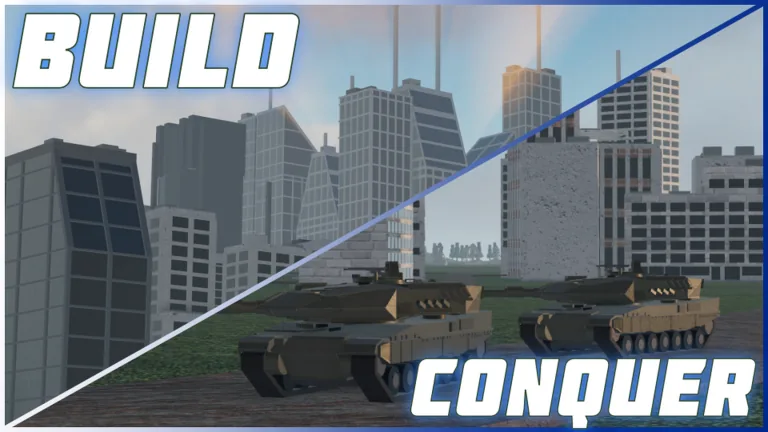
Where to Watch Build and Conquer Gameplay Videos
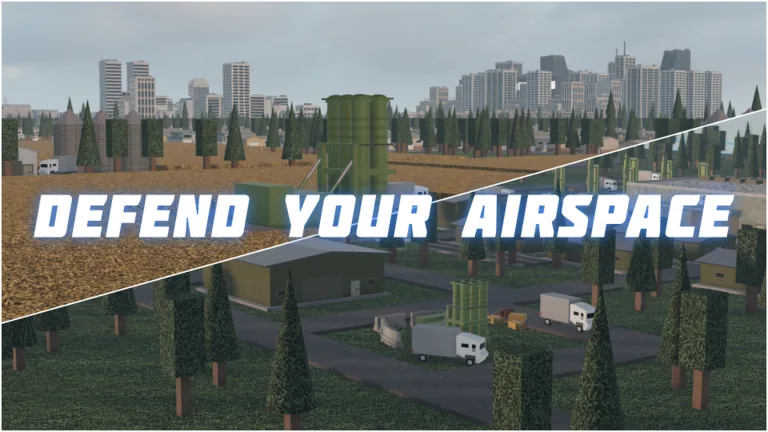
The main place to watch player-recorded gameplay of Build and Conquer [V0.1] is the game's clip page on Medal.tv, at medal.tv. That page collects short clips captured by players while the experience is running, and it is separate from the official Roblox game page.
Gameplay Clips on Medal.tv
According to Medal.tv, the page hosts clips for Build and Conquer [V0.1], and individual entries are listed with uploader names, view counts, and upload dates. The uploader names and dates visible there are the clip creators' own, not official content from the developer.
Clip titles listed on that page reference bombing, missile barrages, wars, city attacks, and hypersonic strikes, which is consistent with the combat side of the game described on its Roblox listing.
What the Clips Tend to Show
Judging from the titles alone, the footage on the Medal.tv page leans heavily toward warfare rather than calm city planning. Titles in the listing refer to being at war, cities under attack, missile and nuclear strikes, and one player's note that a small city was hit by hypersonics followed by 150 missiles. That is only what the titles say; this article cannot confirm what any individual clip actually shows beyond its label and view count.
Because the official description says the game is in BETA and that players should expect bugs and constant updates, recorded footage may reflect a build that no longer matches the live version.
Using Footage to Learn Build Layouts
Watching clips is most useful for seeing how other players lay out roads, neighbourhoods, and production buildings before combat starts. The official description states that players place neighbourhoods, roads, farms, shops, factories, power plants, water networks, and large cities, and that they manage money, workers, population, resources, happiness, power, research, production, and city expansion.
A fan-run site, Build and Conquer Wiki, describes itself as a fan-made community wiki with beginner, economy, research, and war guides. Its published guide list includes entries on getting trucks, defence, making money, levelling up, restarting a city, and city level requirements. Those pages are community-written and are not official documentation from the creator.
Finding Fresh Gameplay After Updates
Since the experience is updated over time, older clips can show outdated layouts or systems. To find newer footage, sort or scan by upload date on the clip page and check the fan wiki's guide dates, which the site lists alongside each article. For authoritative details on mechanics rather than player footage, the Roblox game page and the creator's own description remain the primary reference; anything covered only by community sources should be treated as fan interpretation rather than confirmed design.
The creator is listed on Roblox as The Slop Company, a group.