What Devices Can You Play Build and Conquer On?
Can you play Build and Conquer on Xbox, PlayStation, mobile or PC? Here is what is known about supported Roblox devices.
Which Devices and Consoles Can Play Build and Conquer?
Build and Conquer runs inside Roblox, and Roblox itself runs on Windows, Mac, iOS, Android, Xbox and PlayStation. The official game page for Build and Conquer [V0.1] does not say which devices this experience supports, so the page itself gives no device breakdown. Any claim that the game works on a specific platform is not officially documented.
The Platforms Roblox Supports
Roblox is available on:
- Windows PCs
- Mac computers
- iOS phones and tablets
- Android phones and tablets
- Xbox consoles
- PlayStation consoles
Because Build and Conquer is a Roblox experience rather than a standalone release, it would launch through the Roblox client or app on whichever of these platforms you use. The game page does not confirm support for any particular one of them.
What the Game Page Actually Says
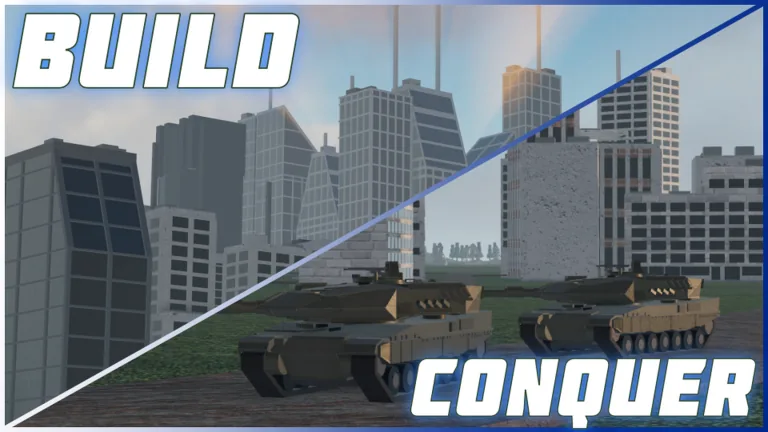
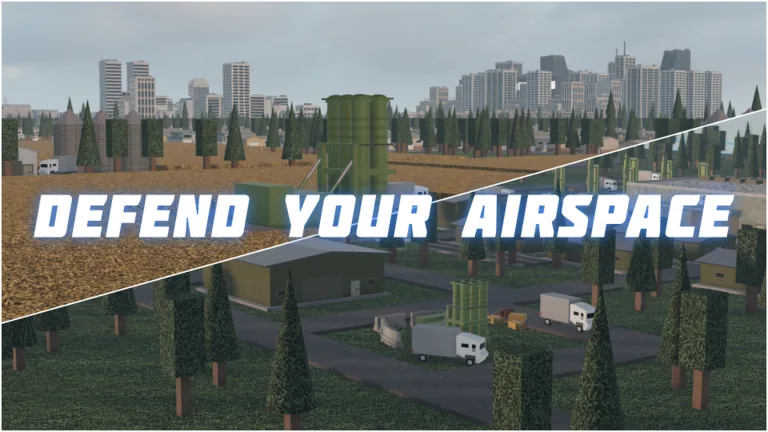
The official game page lists Build and Conquer as a strategy experience from the group The Slop Company, available free to play. The creator's description covers building a country from an empty plot, managing money, workers, population, resources, happiness, power, research, production and city expansion, then researching technology, manufacturing vehicles and missiles, deploying troops through tunnels to the mainland, forming alliances and fighting other nations.
That text does not name supported devices. If you need an answer for your own hardware, the safest check is to open the experience listing in the Roblox app on that device and see whether the play option becomes available.
What Third-Party Trackers Show
Third-party Roblox trackers report their own numbers for the experience. According to Rolimon's, the game lists 6 maximum players per server and an average playtime of about 20.93 minutes, alongside player counts and server statistics. These figures come from Rolimon's tracking rather than the creator, and they describe player activity, not device support.
Community clips of the game are also collected on Medal.tv, where the page reproduces the same creator description and shows user-submitted clips. The clip titles reference missiles, wars and city attacks, which matches the military side of the description, but the page does not confirm platform compatibility either.
Checking Support for Your Device
To check whether Build and Conquer works on your setup:
- Open the Roblox experience page on the device you want to use.
- If the play option appears and launches, the experience is reachable there.
- If it does not, the platform or device may not be supported for this experience.
The game page describes the experience as still in its BETA version, with bugs and constant updates expected. Device support is not listed there, so any specific platform claim is not officially documented.
Related guides
Related Guides
Build and Conquer Controller Support: Can You Play with a Gamepad?
Find out whether Build and Conquer supports controllers on Roblox, including gamepad compatibility and how to use one if supported.
How to Join Build and Conquer and What It Costs
Build and Conquer is free to play on Roblox. Here is how to find the game page, join a server and start your first country at no cost.
Build and Conquer Multiplayer and Server Size
How many players can join a Build and Conquer server, and can you play with friends? The multiplayer basics for this Roblox strategy game.